
Virtual Fence
The Virtual Fence allows delimiting the area in which the employee must make their clocking events through the application. With this feature, if the employee is outside the defined virtual fences, it is asked if he really wants to make the clocking event (which does not prevent him from making the clocking event, even if he is outside the stipulated perimeter). To do so, go to senior X Platform > People Management | HCM > Clocking Event 2.0 > Virtual Fence.
To help management, access the Map screen and check the clocking events made inside or outside the perimeter.
 Example:
When adding a virtual fence in a certain location and informing the employees that they must make the clocking event in this perimeter, if any employee confirms the clocking event outside this definition, it can be carried out and the register outside the fence will be displayed on the screen Map .
Observation
When adding the employee to a new fence, the employee must log out of the application and then log in again for the fence to be applied, as fences are loaded at the employee's login.
What you can do:
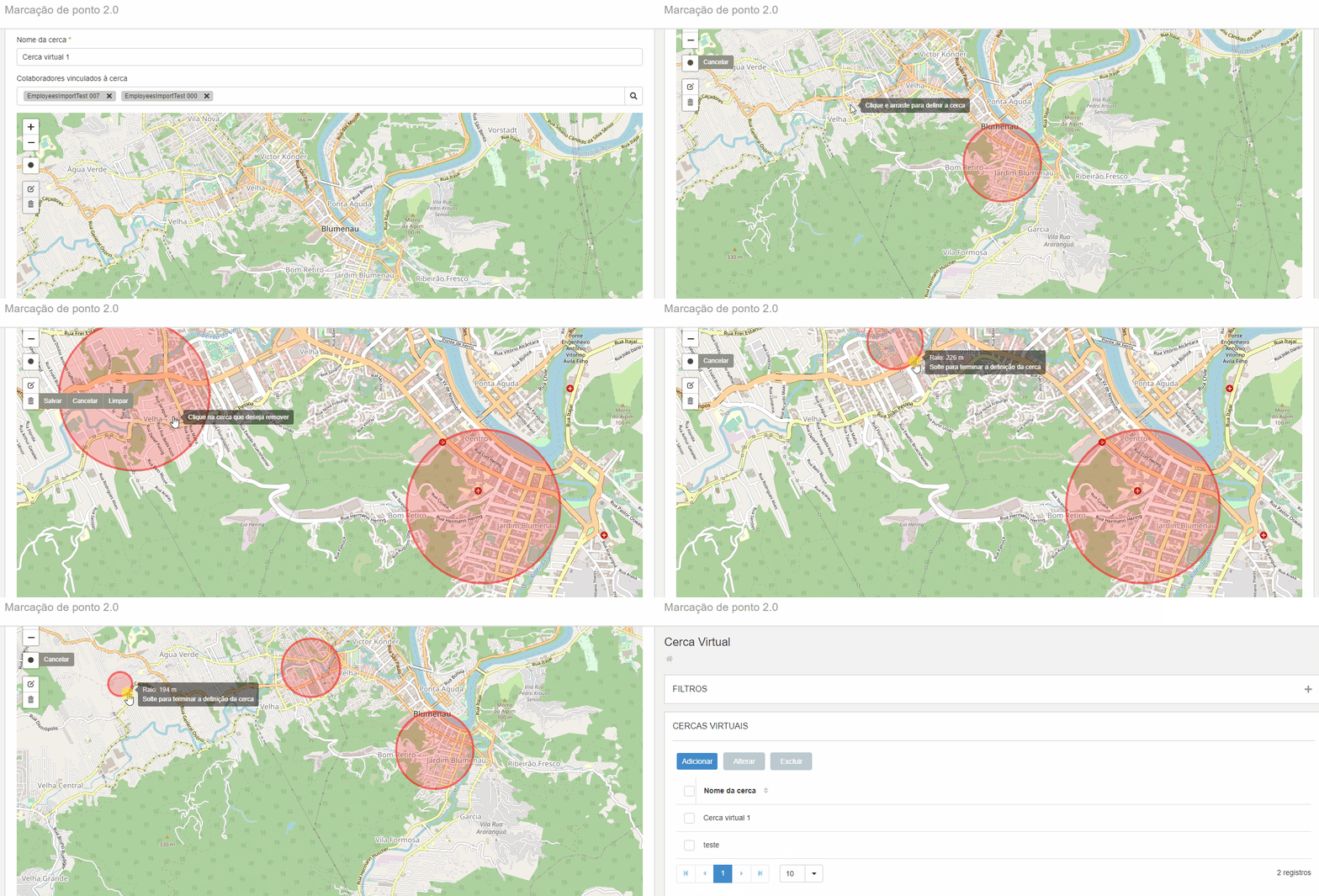
Add a new virtual fence
Determine the locations where the employee can make his clocking events:
- Click on Add;
- Inform fence name and the employees who will be linked to it;
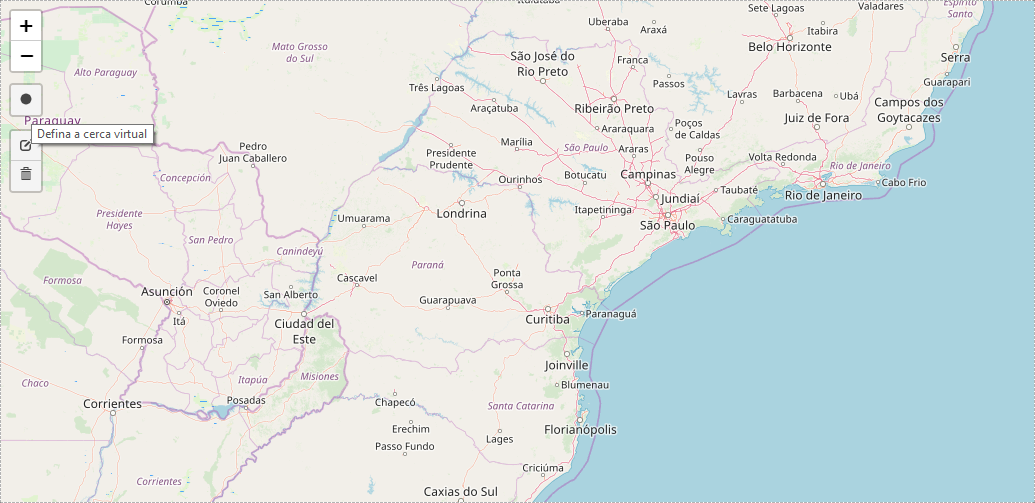
- In the icon to define the virtual fence, on the top of the map, determine the location of this fence;
- Click on Save.
 Consult, change or delete registered virtual fences
Through the filters, search for virtual fences already registered and, if you wish, click Delete or Change to make any adjustments.
In case of deletion, when the defined virtual fence no longer exists but the clocking event has already been carried out, the system saves their locations so that the manager can confirm that the location has been previously configured for this employee.
 English
 Español


