
How to use Smart Card of Clocking Event 2.0 | HCM
In order to meet demands in which there is someone responsible for the workload of other employees, such as a field inspector, there is the possibility of releasing the use of NFC ( Near Field Communication ). This technology makes it possible to use a badge or a label that the device can read easily and quickly, making the registration of the clocking event quick, allowing several employees to register their events without using username and password.
 Example: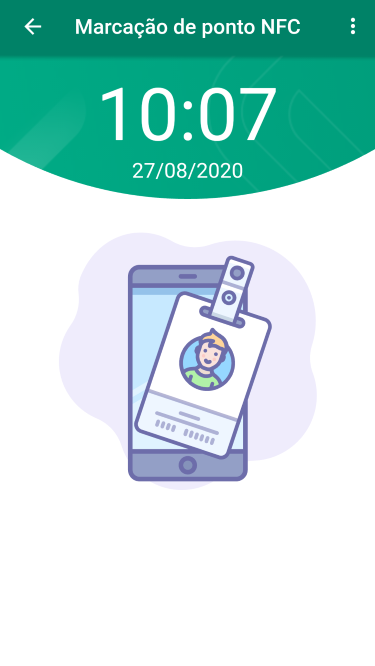
The NFC tag format has the same specifications recommended and used by the Ronda Senior solution, from Access Control and Security Management.
Device specs
To clock-in through the badge, the device is required:
- have Android version 5.0 or higher;
- be homologated by Anatel;
- have the NFC feature installed;
- enable NFC reading functionality in device settings.
Note
On iOS systems, dialing with the NFC feature is not possible.
Configure NFC
To use this resource, some configurations are required in the senior X Platform, in Human Capital Management | HCM > Clocking Event 2.0:
- In Employees , register using a reader, the information contained in the badges or labels in the corresponding field on the screen;
- In Settings , on the Individual tab, search for the employee who will be responsible for giving access to the functionality for other employees to use the badge when clocking in the application.
Under Actions, click Edit and in the NFC Mode field select the "Yes" option. This field is only available when the operation mode is individual; - After the employee who received permission to use the NFC mode logs in, it will be necessary to update the NFC information through the application screen, using the upper right menu. This process needs to be carried out with an internet connection.
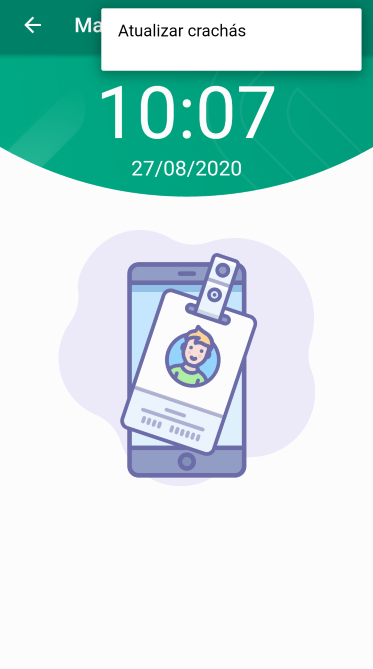
This mode of use is indicated when there is a need for several people to clock in on the same device, using a badge. Even for scenarios where there is a need to clock in offline. For example, on farms, construction companies and offices.
 English
 Español


