 English
 Español

AGR0040 - Spacing
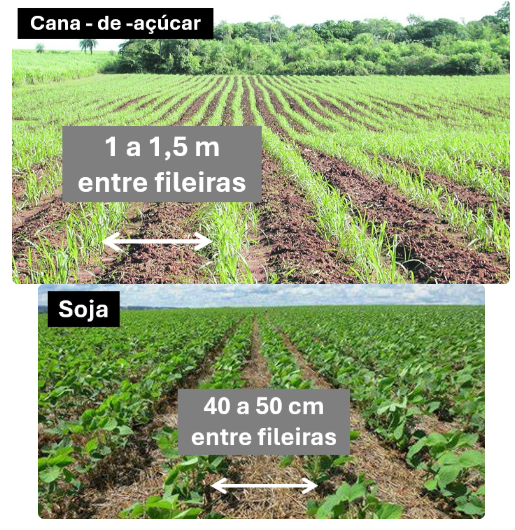
Crop spacing is the distance between plants in the field, a factor that directly influences the area occupied by the root system and the aerial part. Each crop or variety requires a specific ideal spacing, defined according to the production objective. The choice of spacing impacts several aspects, such as growth rate, productivity, cutting age, and production costs.
- Greater spacing: reduces planting density, facilitates crop management, but may decrease productivity.
- Smaller spacing: increases planting density, raises productivity, but reduces ease in crop management.
Important
On the ordem de serviço (AGR0090) screen, this record will be used for “Planting” type orders, in its entry and in the planting tab. It will also be used on the AGR0035 - Cultura screen, in the crop record as optional information. Additionally, spacing is used as information in some reports.
What can you do?
The screen will be used in crop planting at the time of opening and entering a service order on the Painel Gráfico de Ordem de Serviço (AGR0090) screen.
- Access the menu Agricultural > Crops > spacing screen (AGR0040);
- To start registering the spacing, click on Add and fill in the following fields:
- Description;
- Abbreviation;
- Measurement 1;
- Measurement 2 is optional;
- Ideally, both measurement fields should be filled in
- Click the Save button to register the record.
- On this screen we do not have a link to any specific crop, making it possible to use them in multiple crops.
 English
 Español

